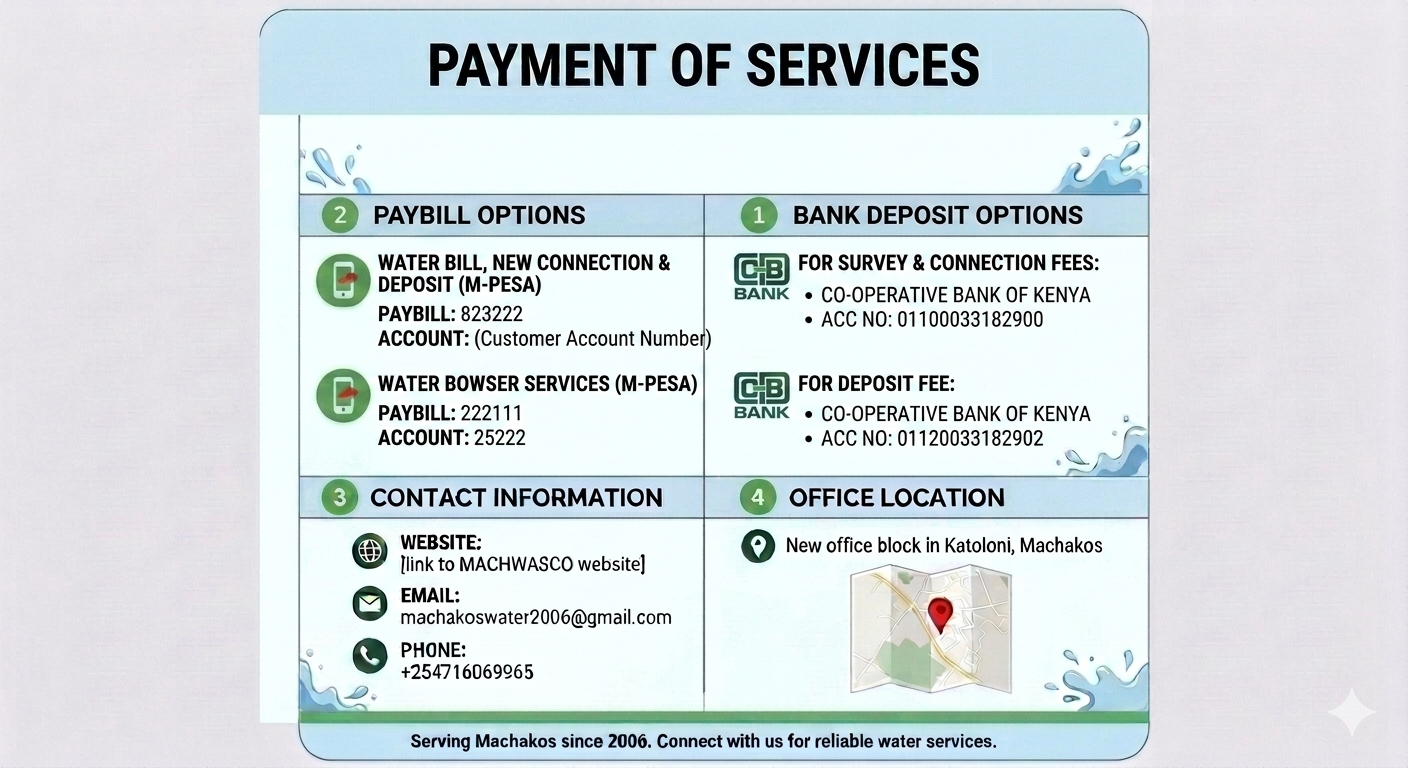
How To Pay Your Water Bill Via MPESA
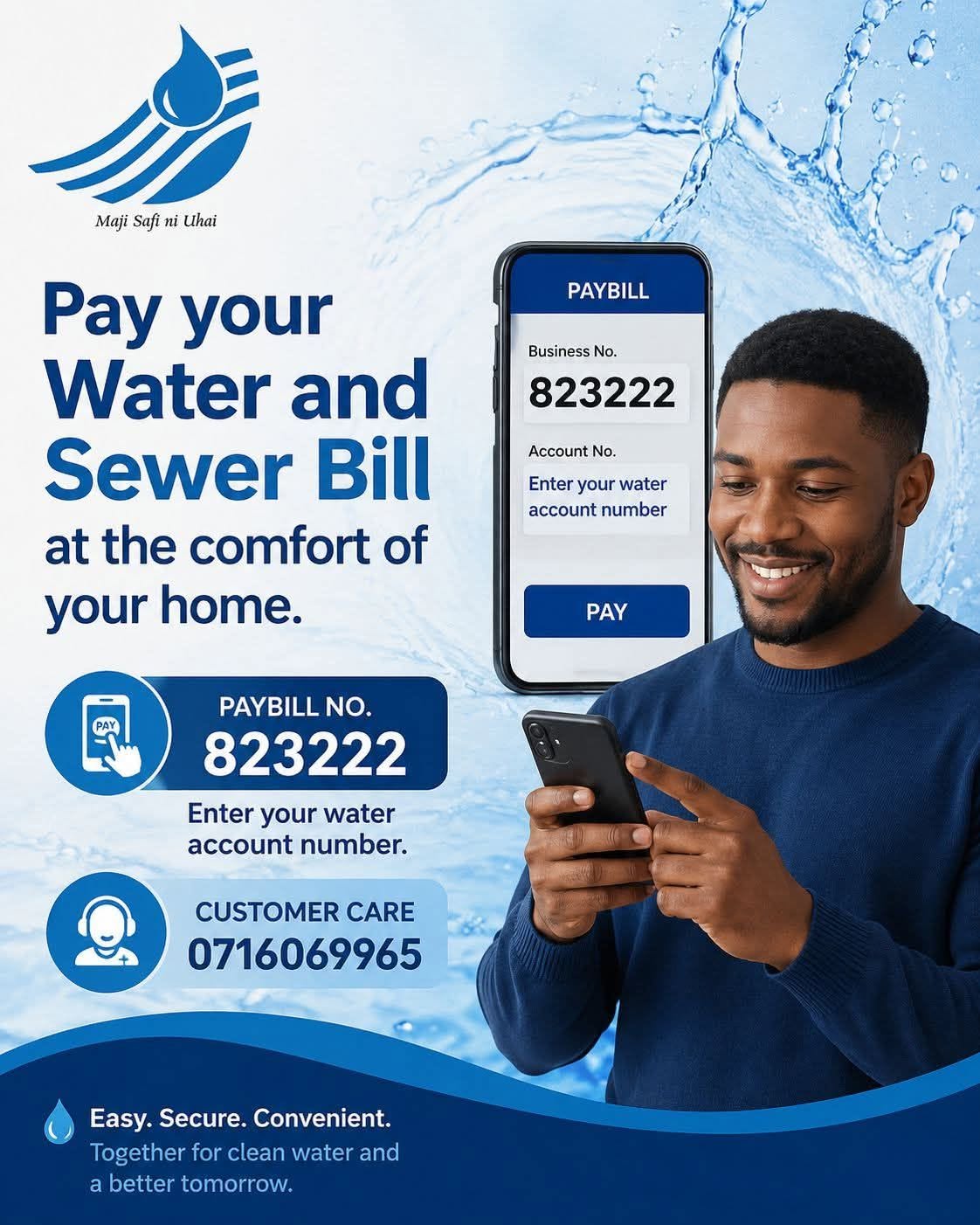
STEPS TO PAYING VIA M-PESA
- Go to M-Pesa Menu on your phone.
- Select Pay Bill Option
- Enter the business number 823222
- Enter your water account number e.g. 070123XXX
- Enter the amount you are paying e.g.1000
- Enter your M-Pesa PIN
- Press OK
- You will receive a confirmation message with the Transaction code and amount.
Other Modes of Bill Payment